
How to use IVS LawDesk
Step-by-step guide in Hindi + English — website se app download, registration, client, case, hearing, fees, WhatsApp/SMS reminders, aur plan / SMS pack kharidna.
IVS LawDesk – 1 minute mein (Hindi)
Full video guide (5 min, Hindi)
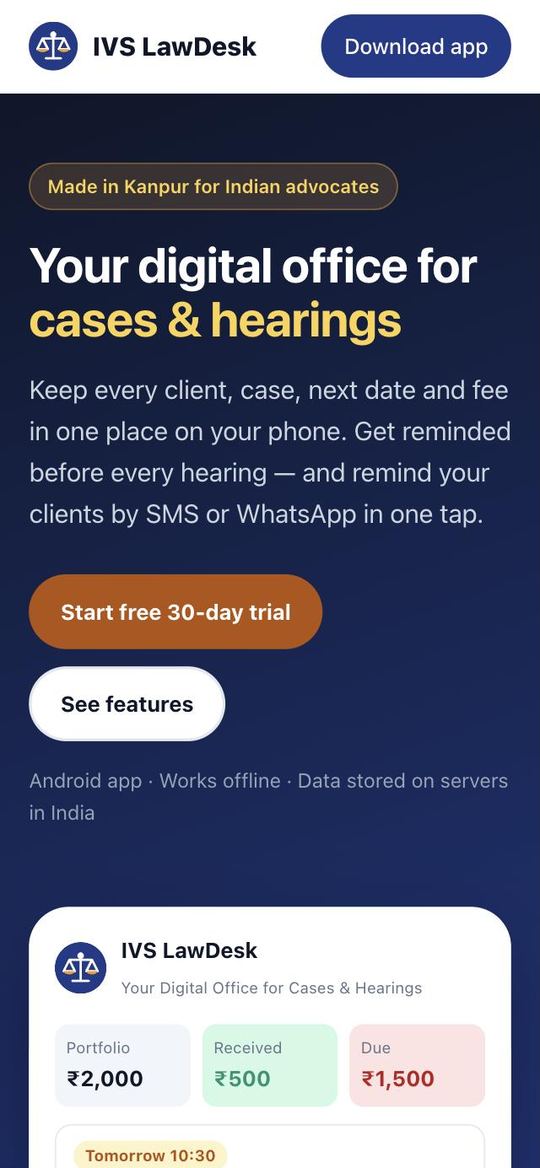
1Website aur app download Website & get the app
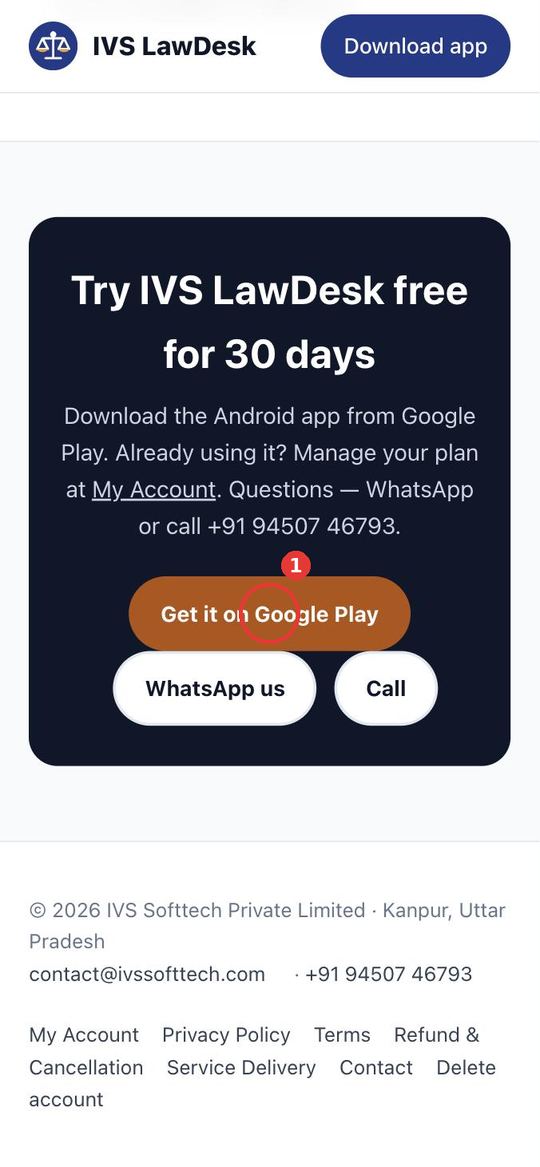
Sab kuch website se shuru hota hai: ivslawdesk.com par features, price aur Google Play ka link.
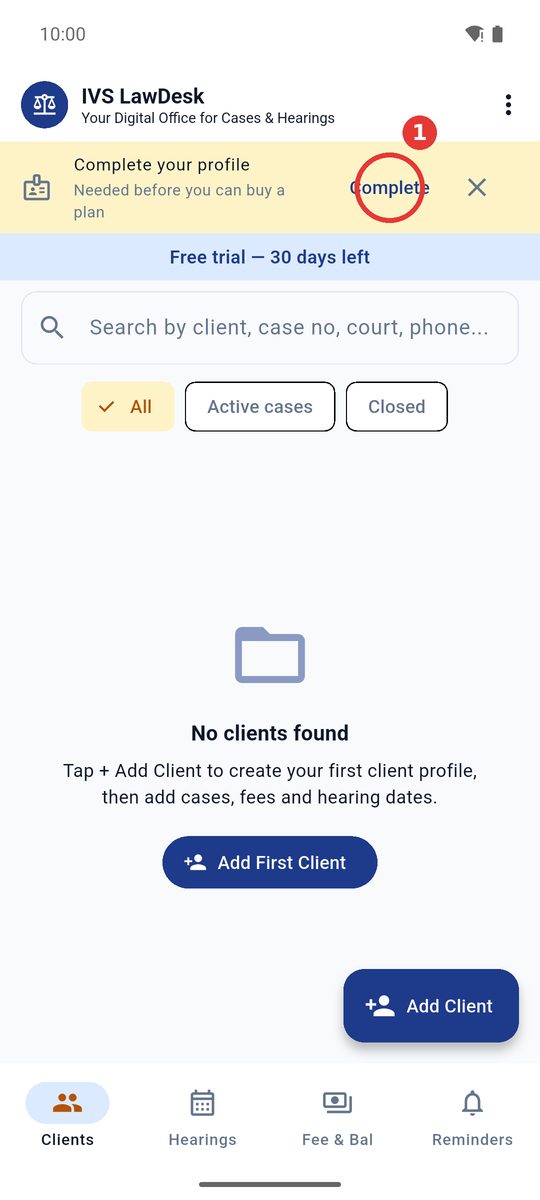
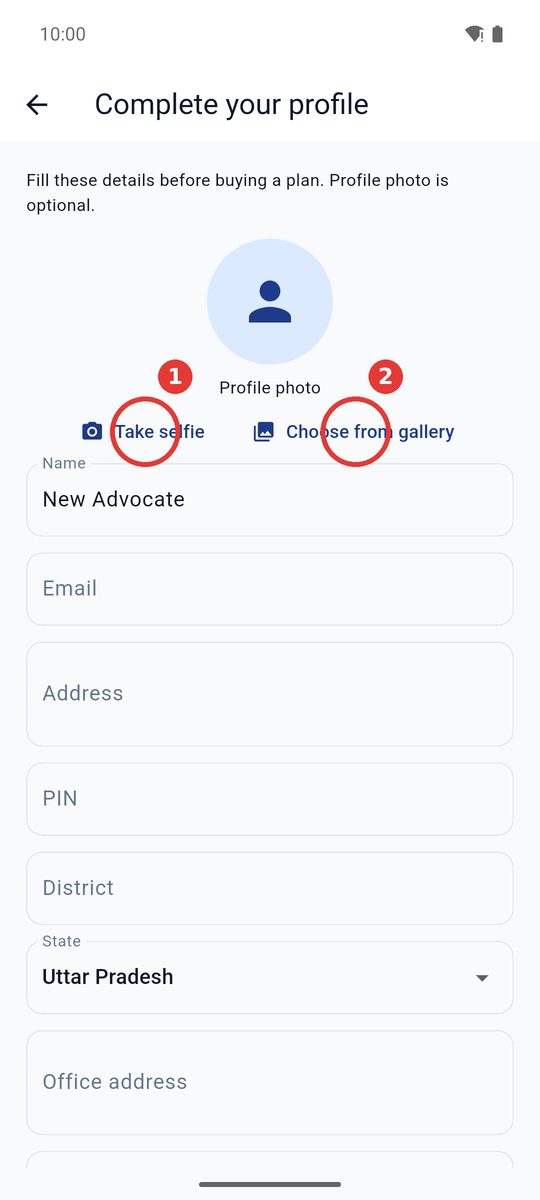
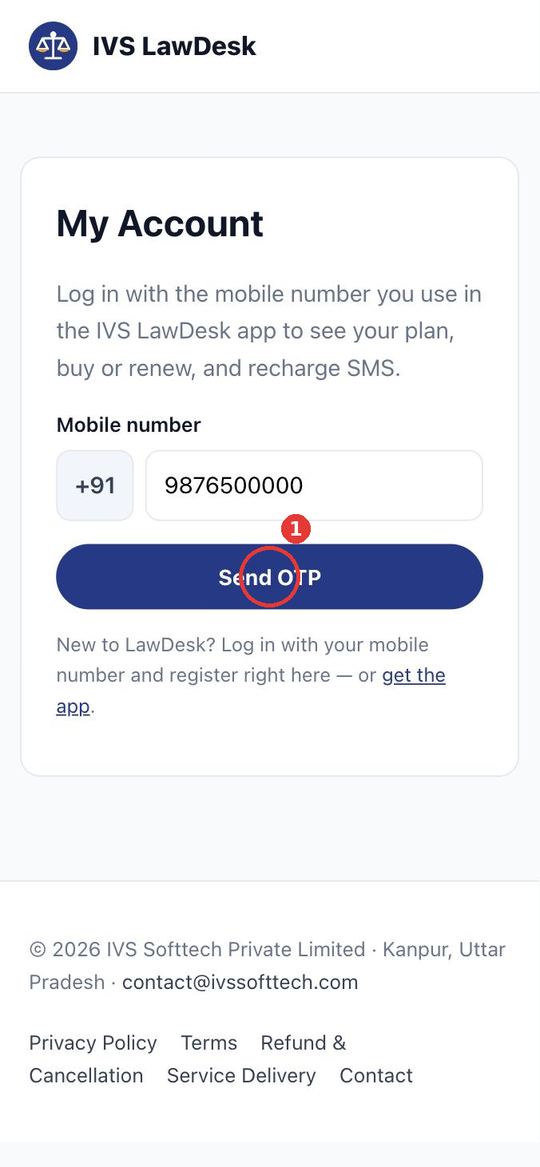
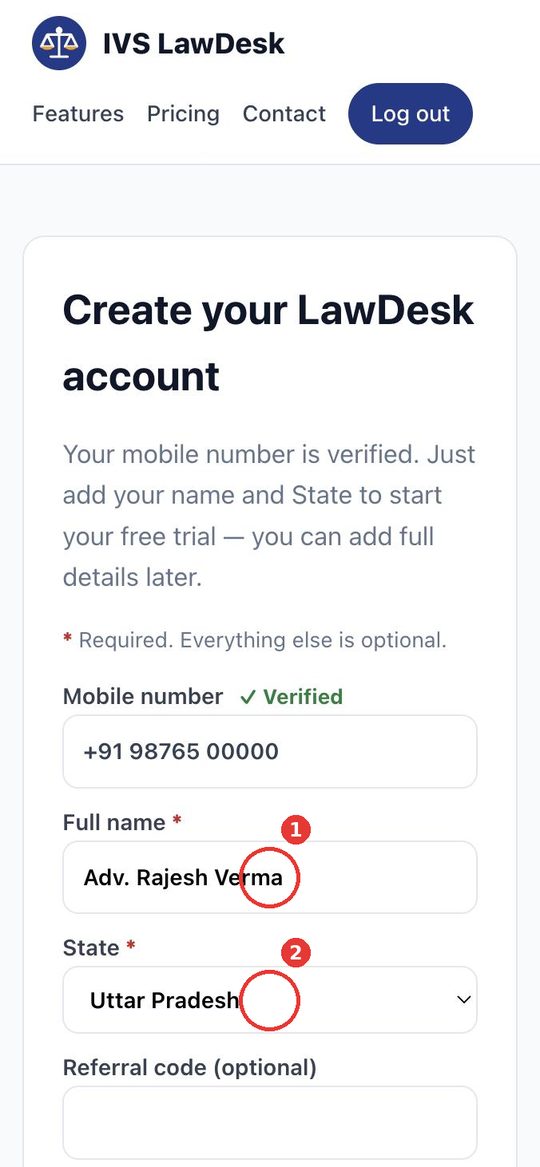
2Registration — app ya website Register — app or website
Registration do tarike se: (A) app mein, ya (B) website par. Dono mein same mobile number aur OTP.
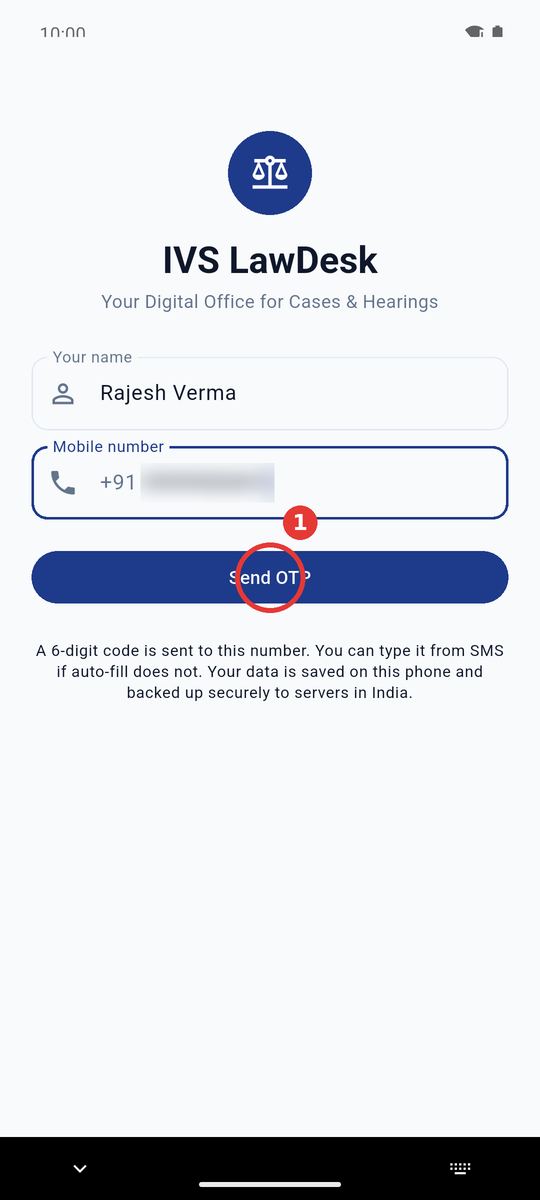
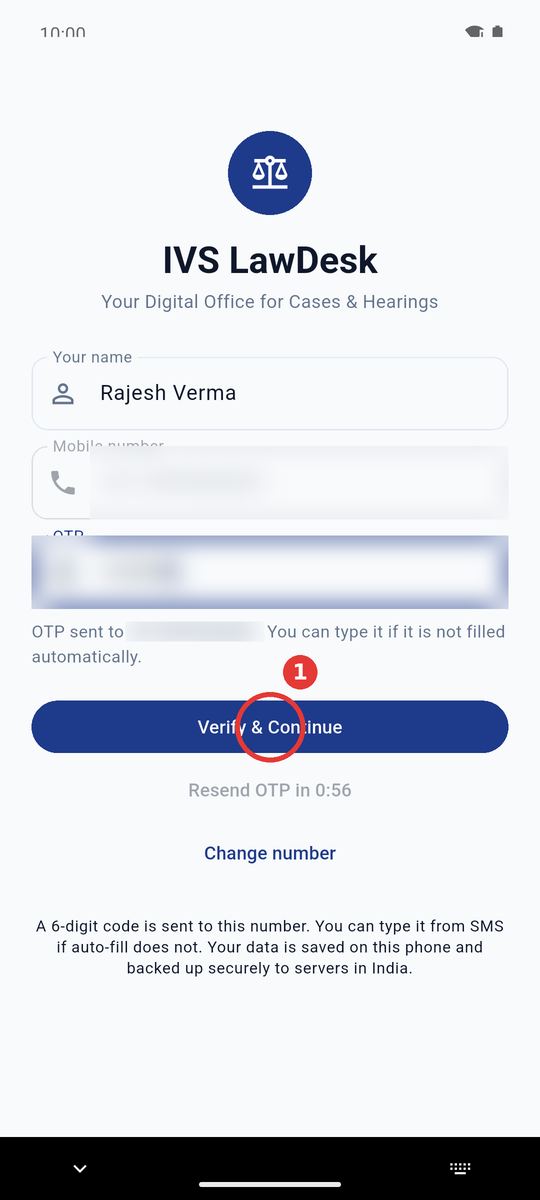
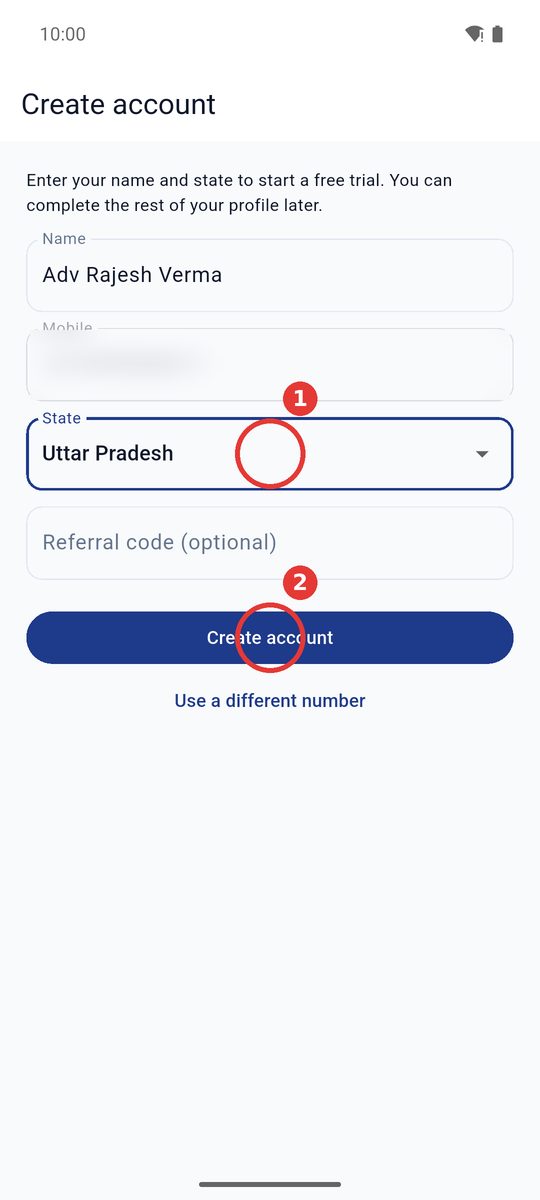
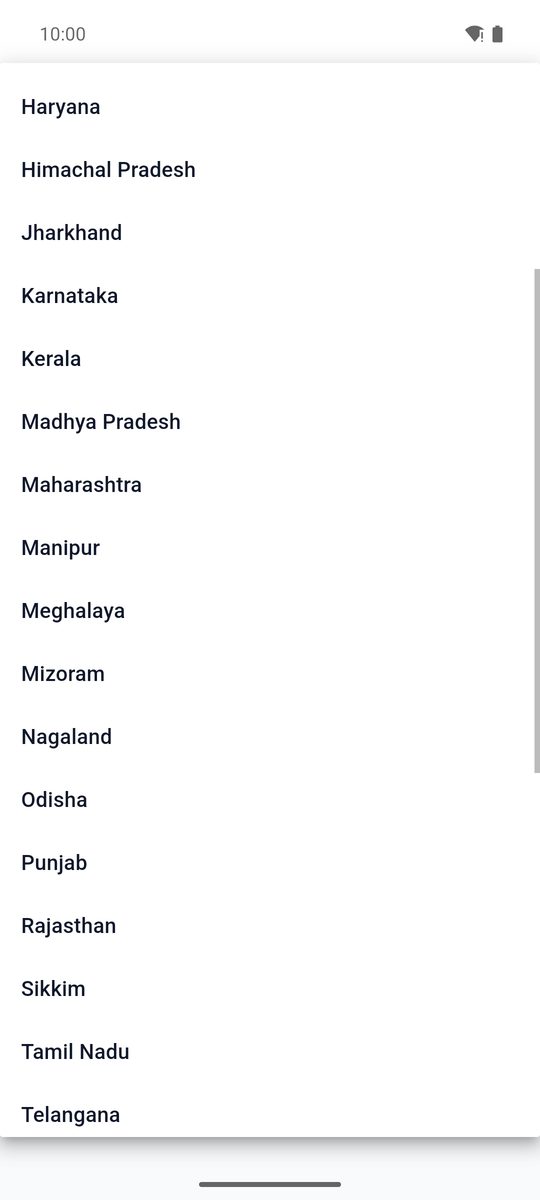
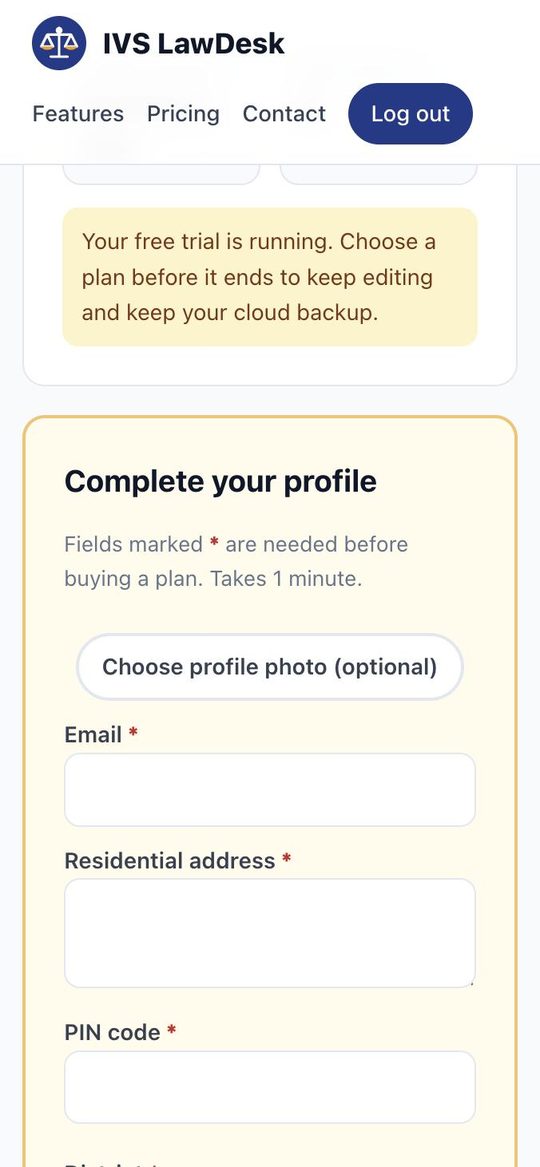
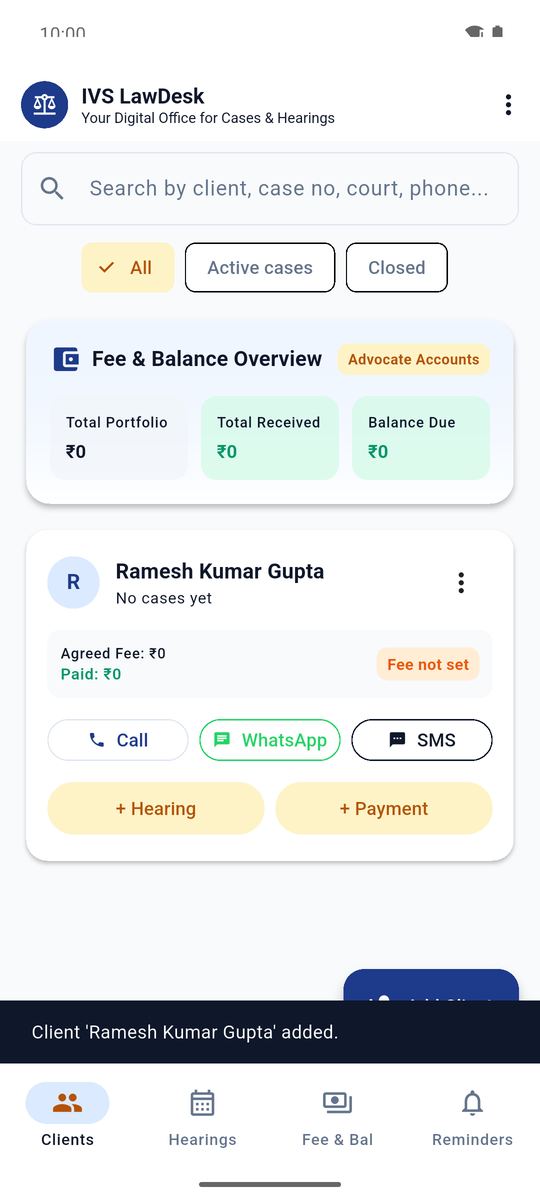
3Pehla client jodiye Add a client
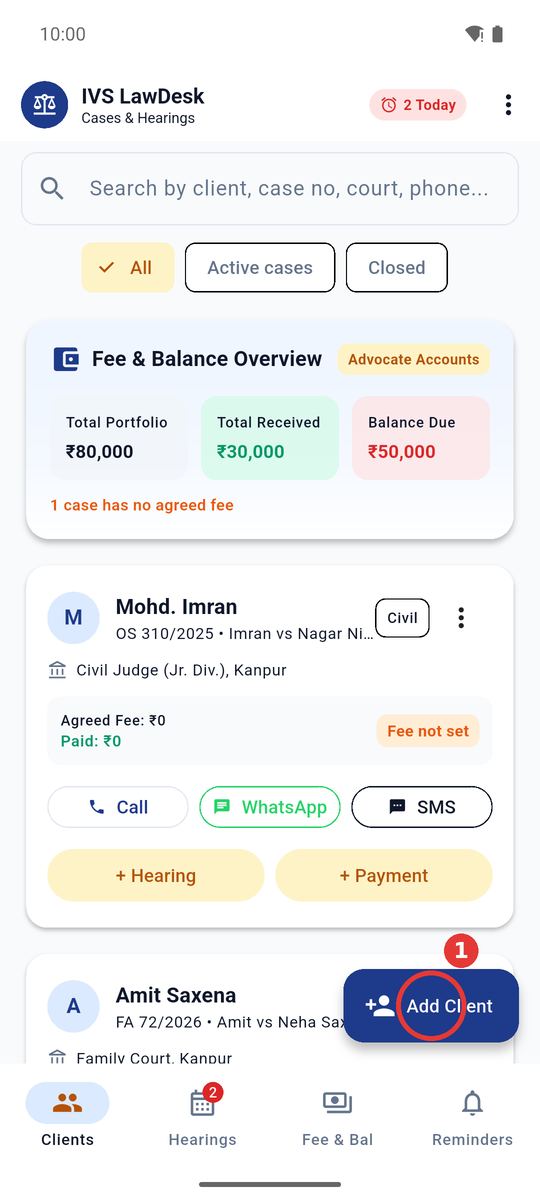
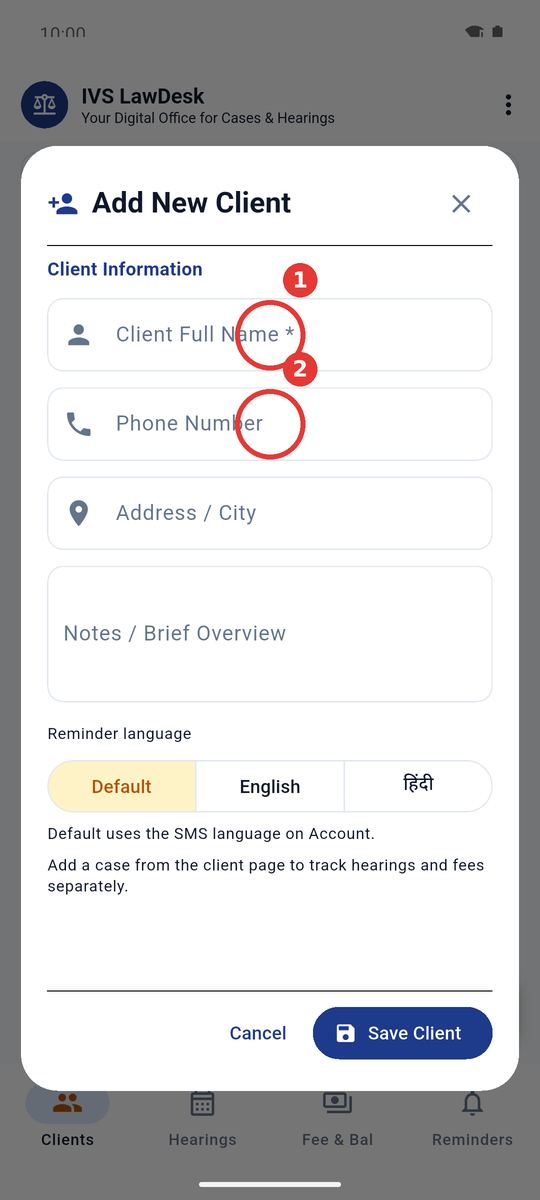
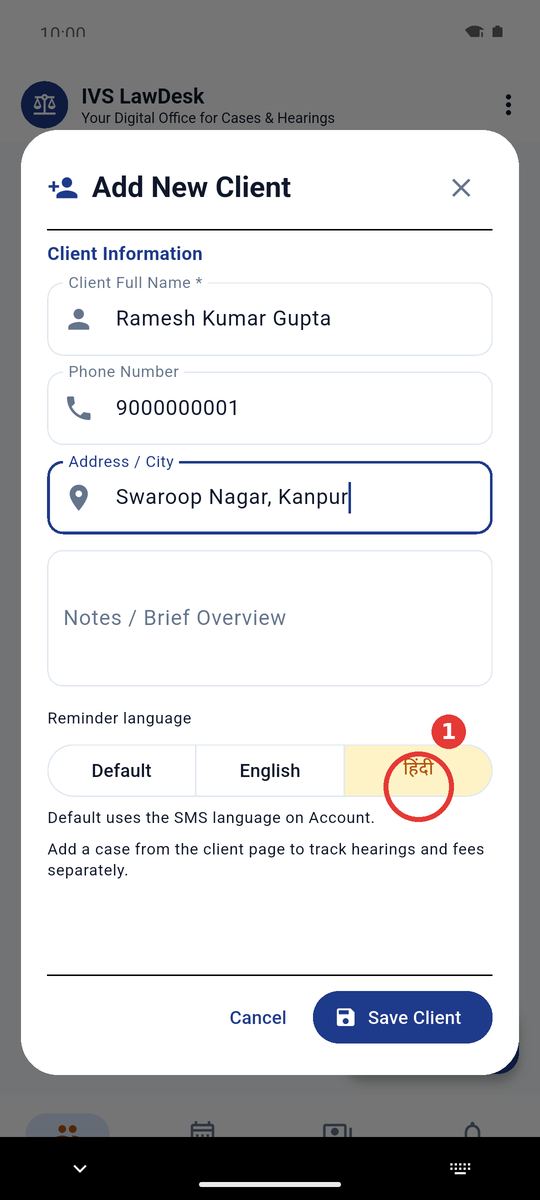
Clients tab par apne clients jodiye. Har client ki reminder language alag set ho sakti hai.
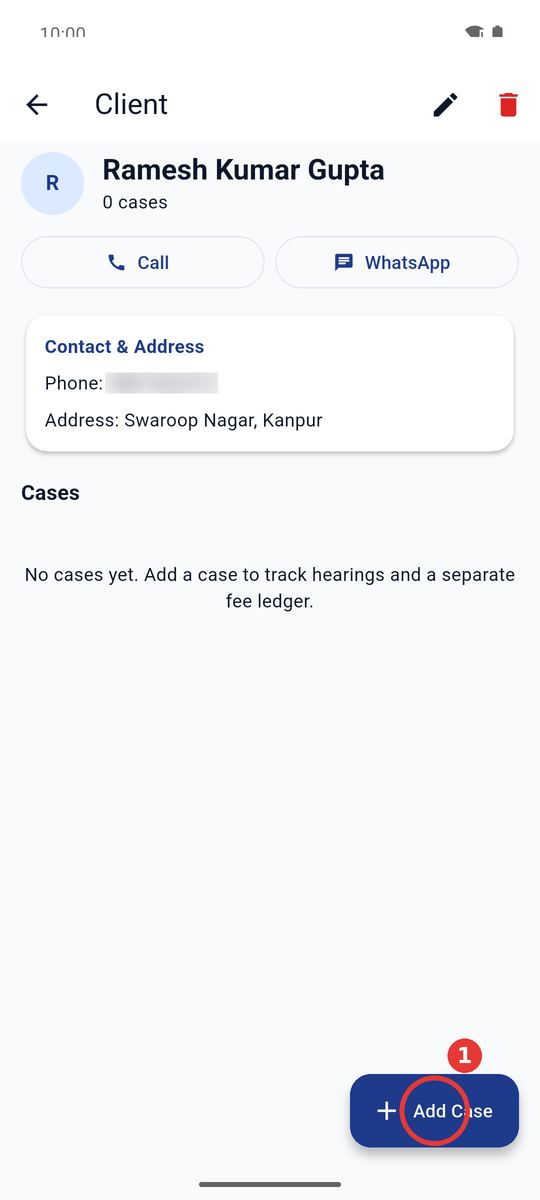
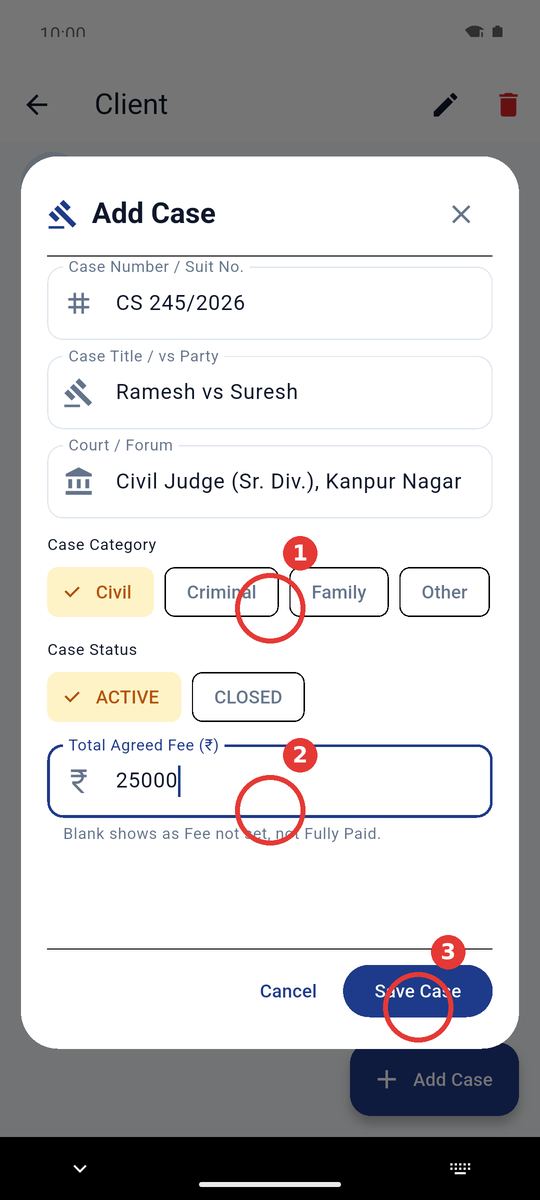
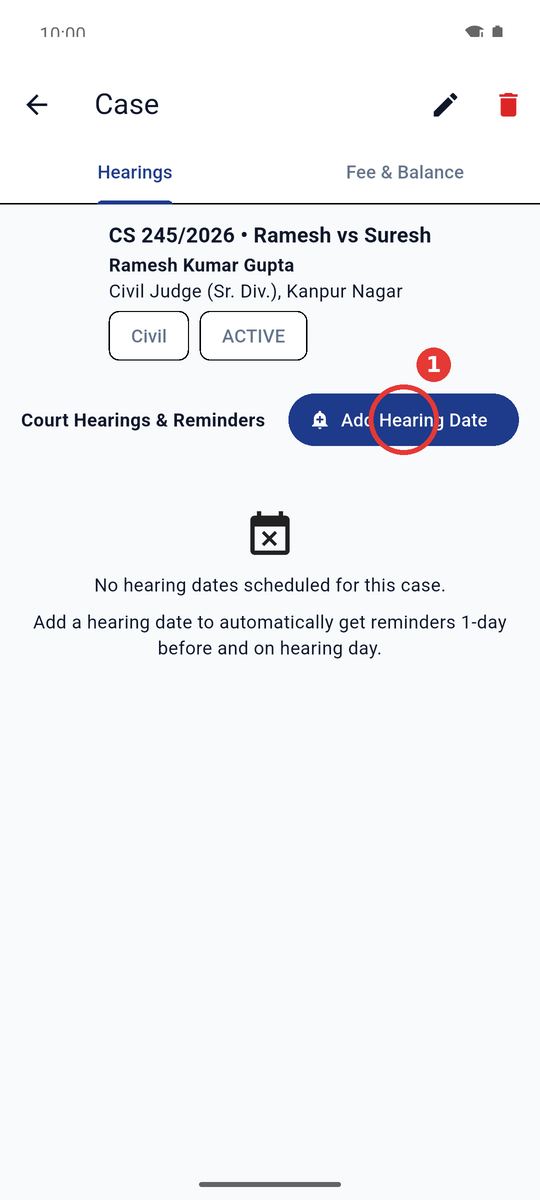
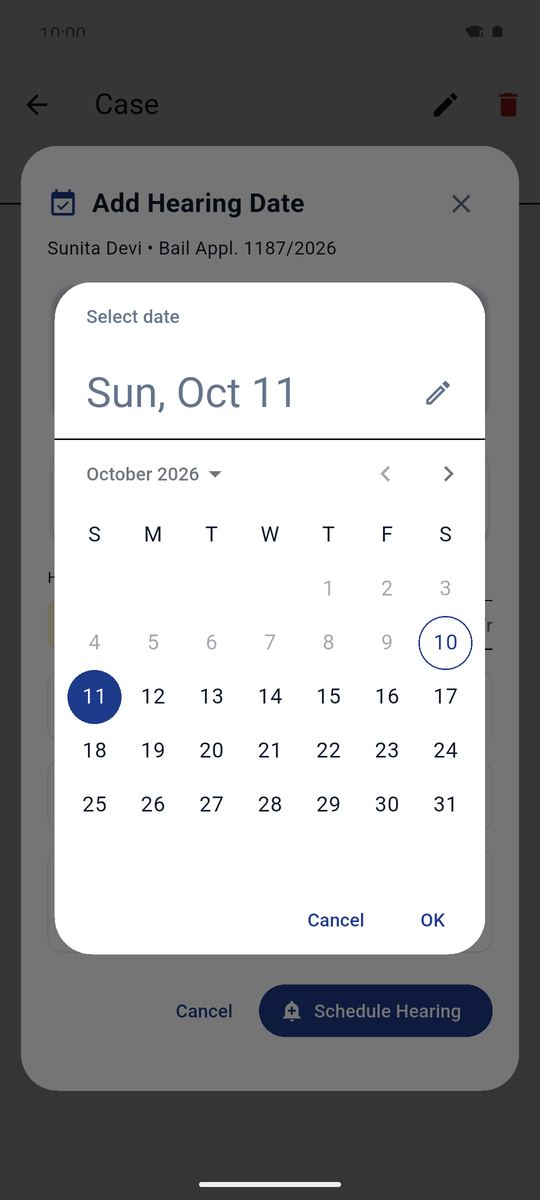
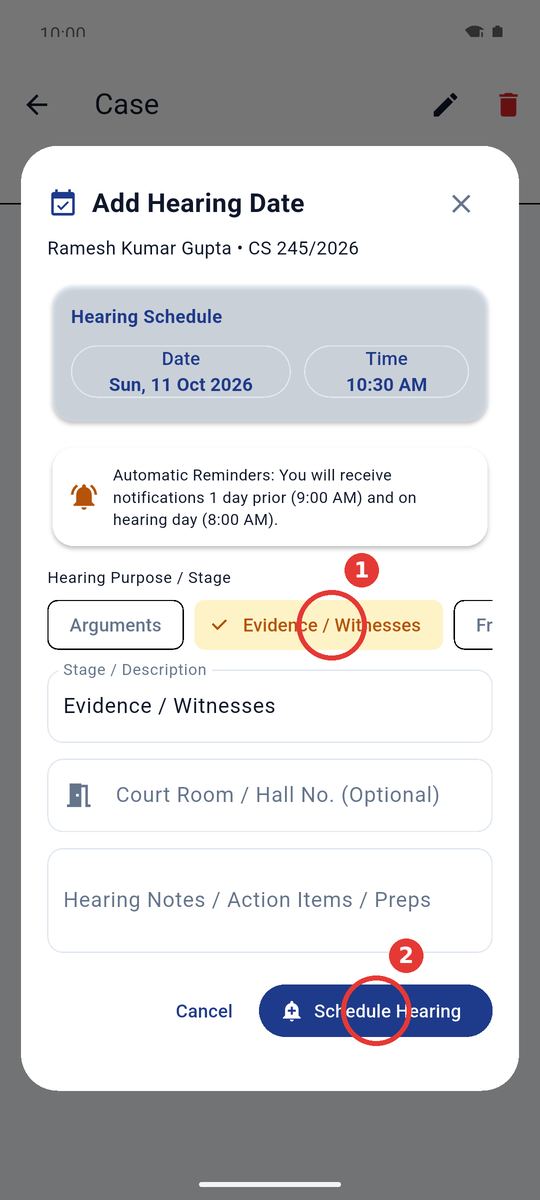
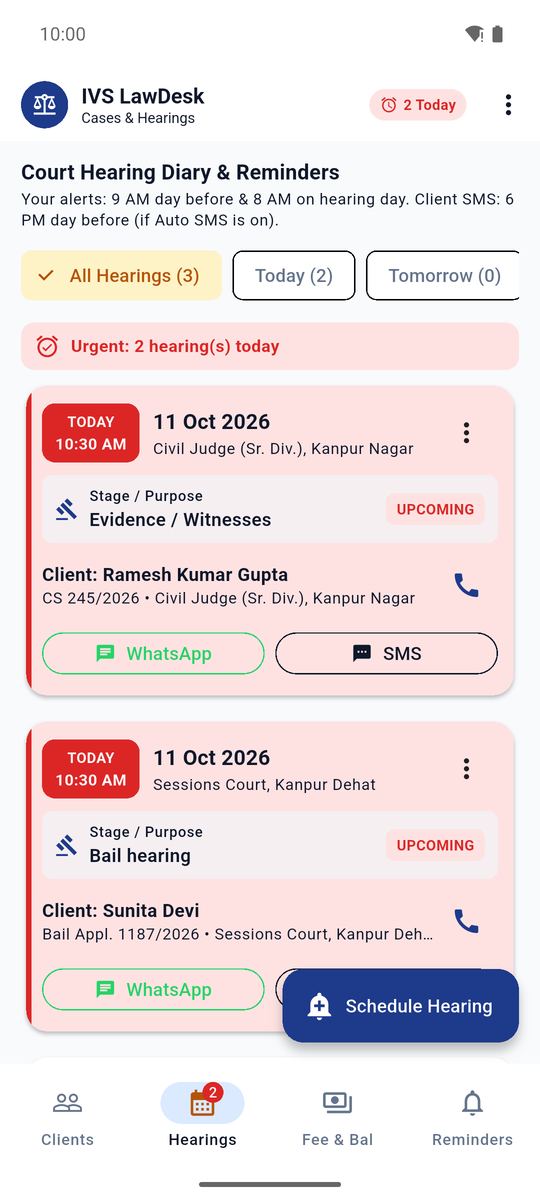
4Case aur hearing Case & hearing
Ek client ke kai case. Har case mein hearing dates — aapke phone par alarm apne aap.
5Fees aur payment Fees & payments
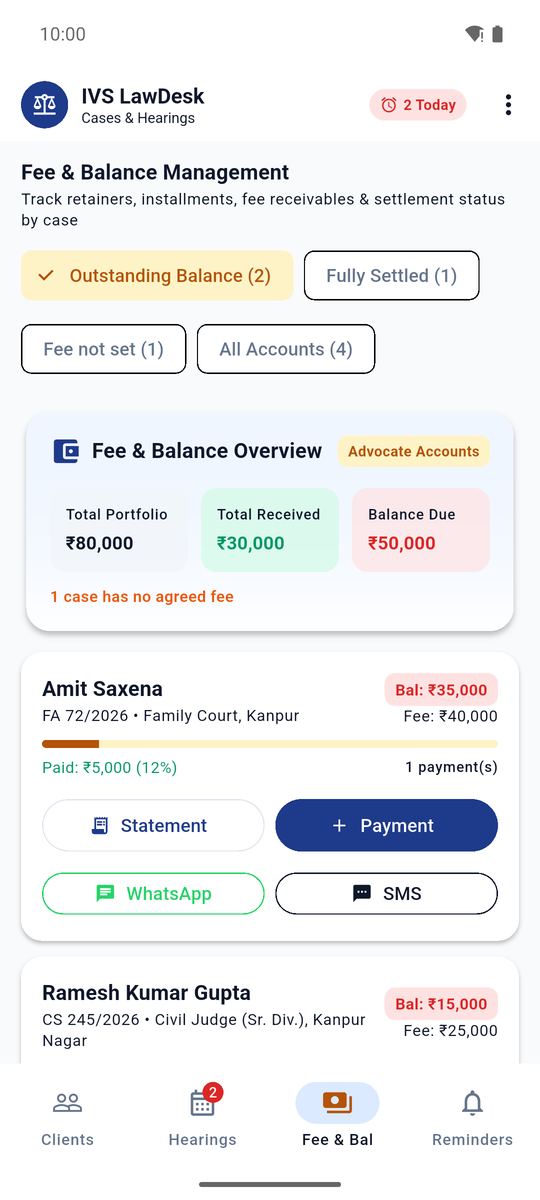
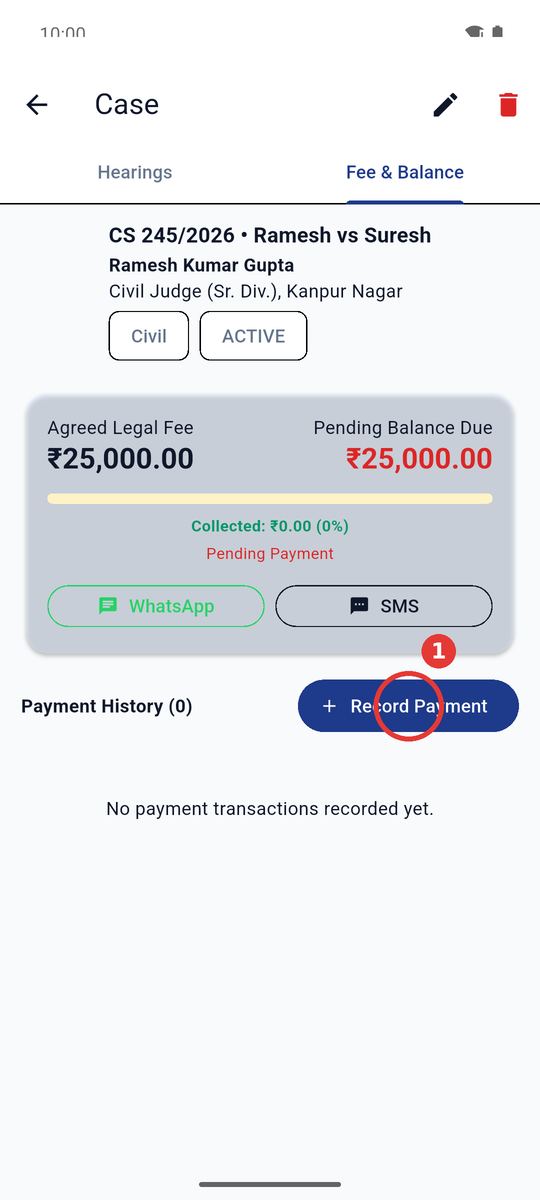
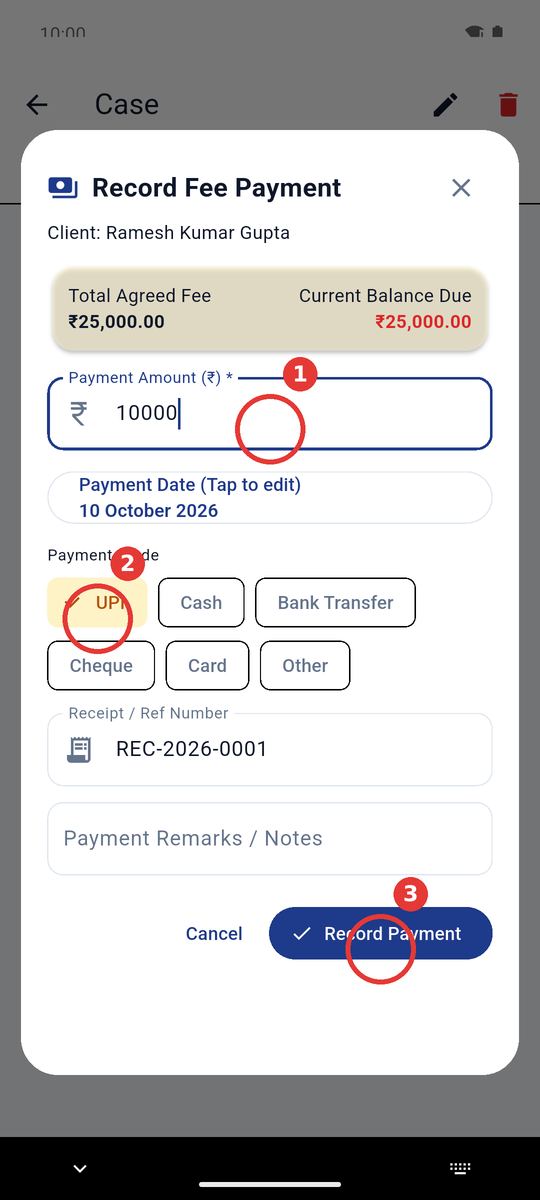
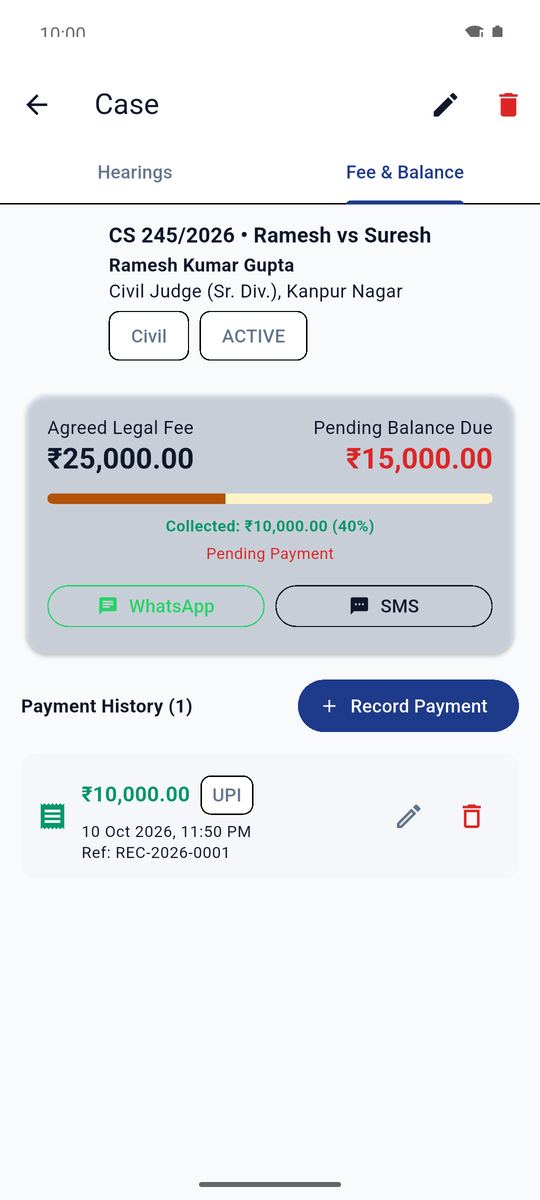
Har case ki agreed fee, mili rakam aur baaki rakam — receipt number ke saath.
6Client ko WhatsApp / SMS Remind clients — Hindi & English
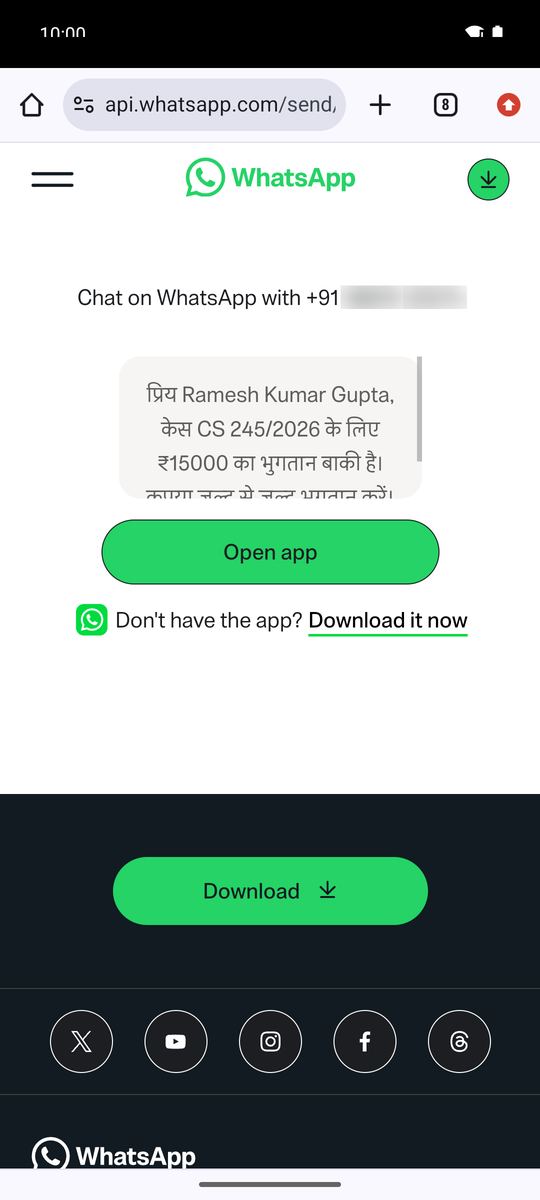
Bana-banaya message aapke phone se WhatsApp / SMS par jata hai — koi credit nahi lagta.
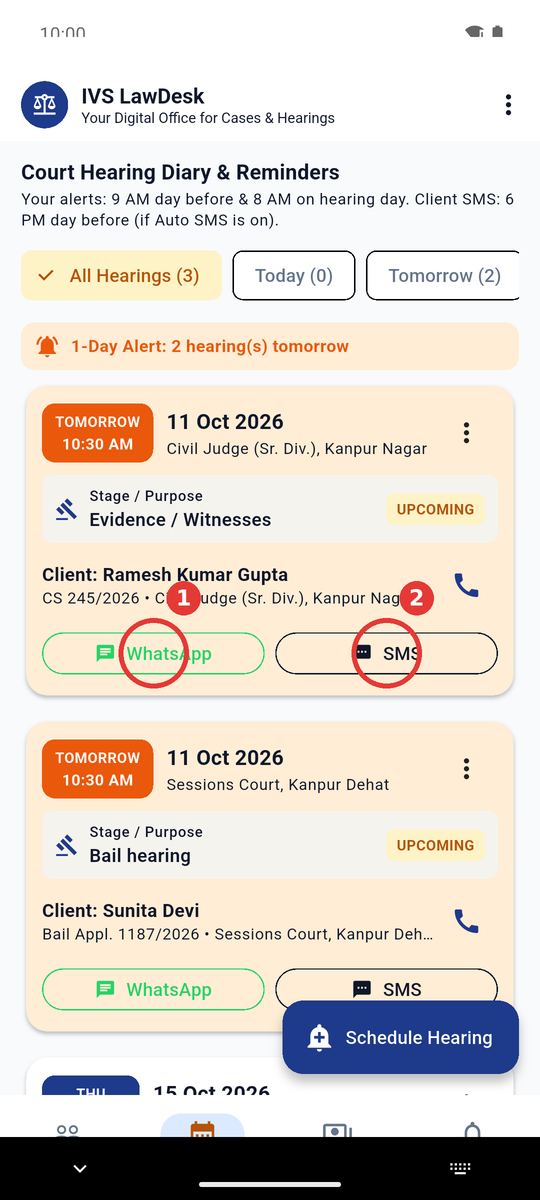
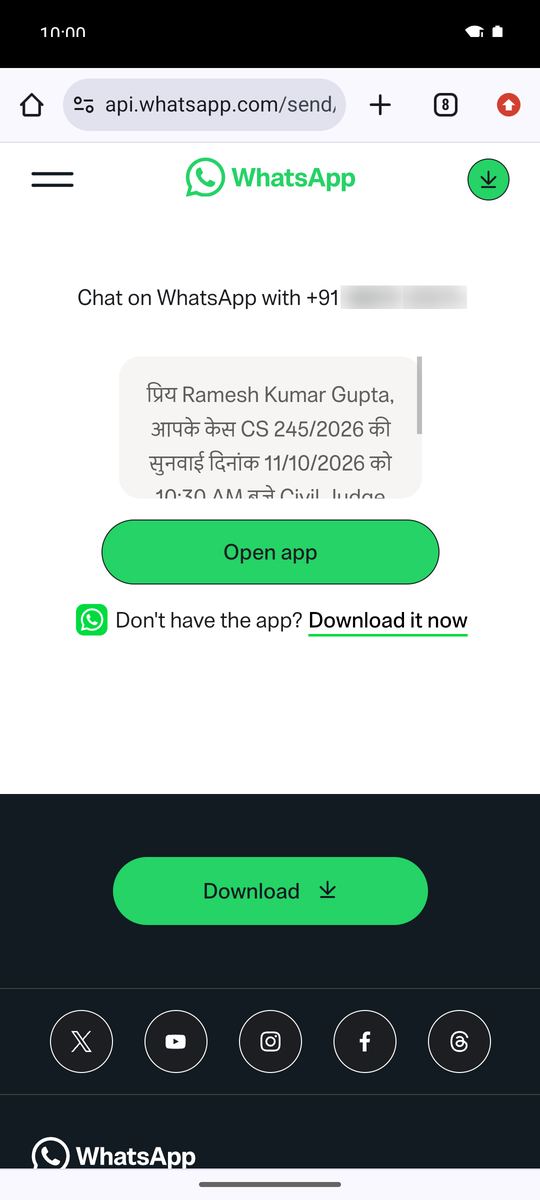
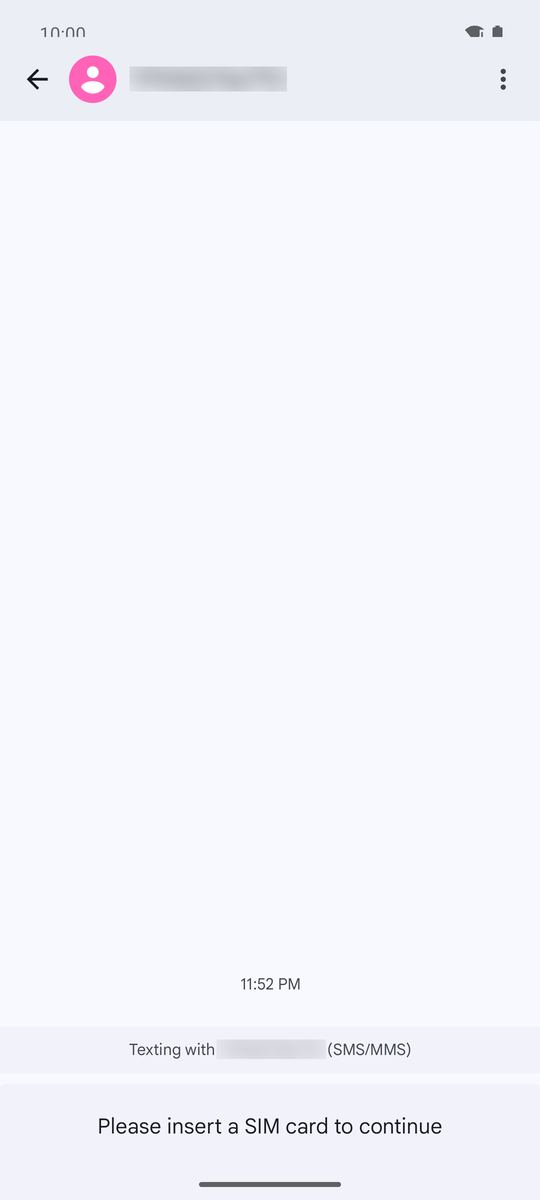
English example: Dear Amit Saxena, your case FA 72/2026 is listed for hearing on 15/10/2026 at 10:30 AM before Family Court, Kanpur. Please be prepared accordingly. - IVS LawDesk
Payment (Hindi): प्रिय Ramesh Kumar Gupta, केस CS 245/2026 के लिए ₹15000 का भुगतान बाकी है। कृपया जल्द से जल्द भुगतान करें। - IVS LawDesk
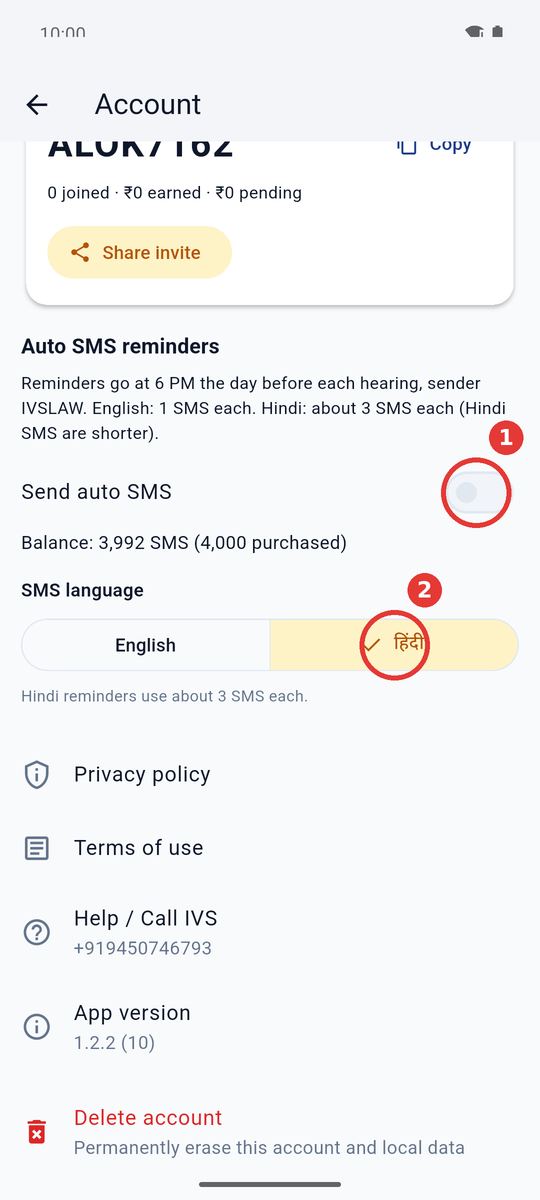
7Automatic SMS — 6 baje Automatic SMS at 6 PM
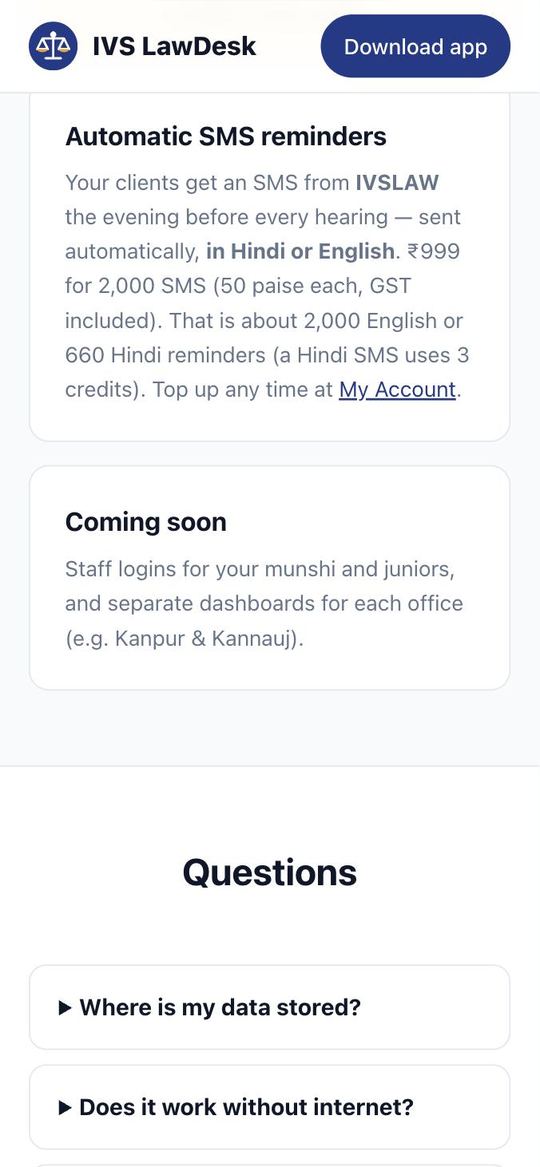
Plan active ho to hearing se ek din pehle shaam 6 baje client ko IVSLAW se SMS apne aap.
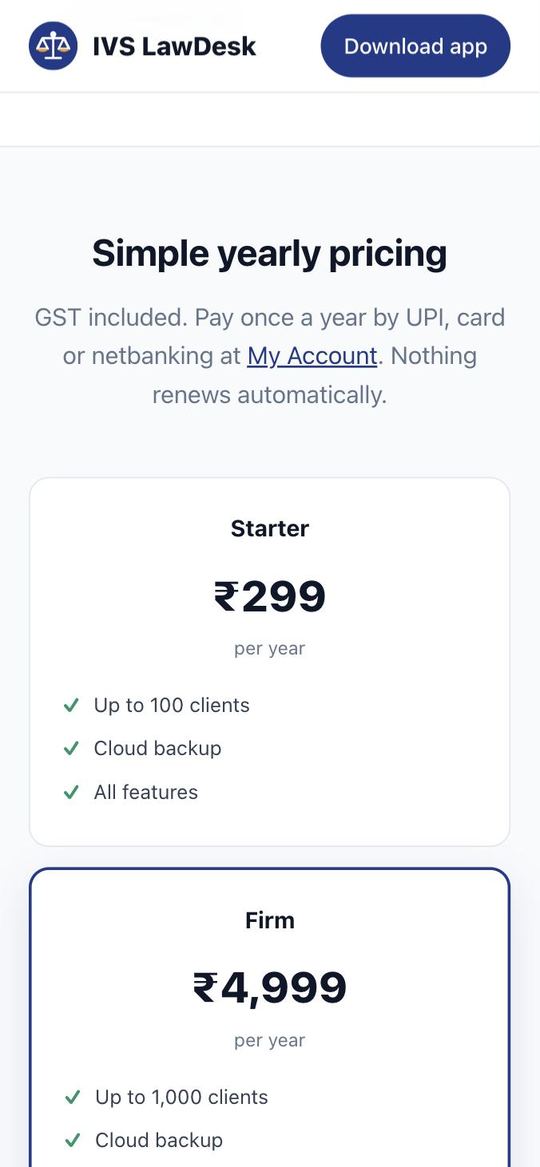
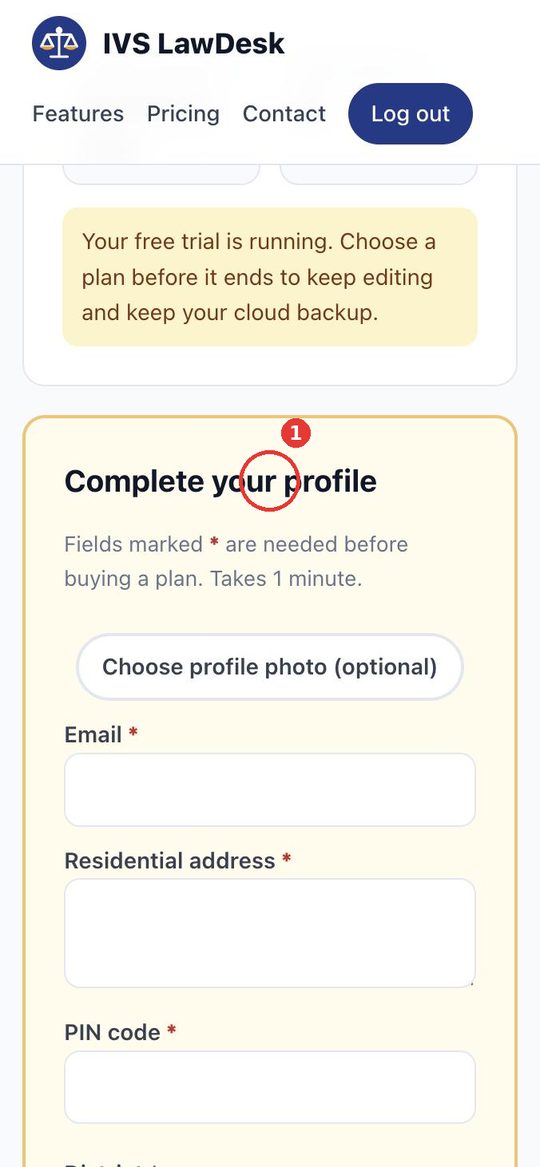
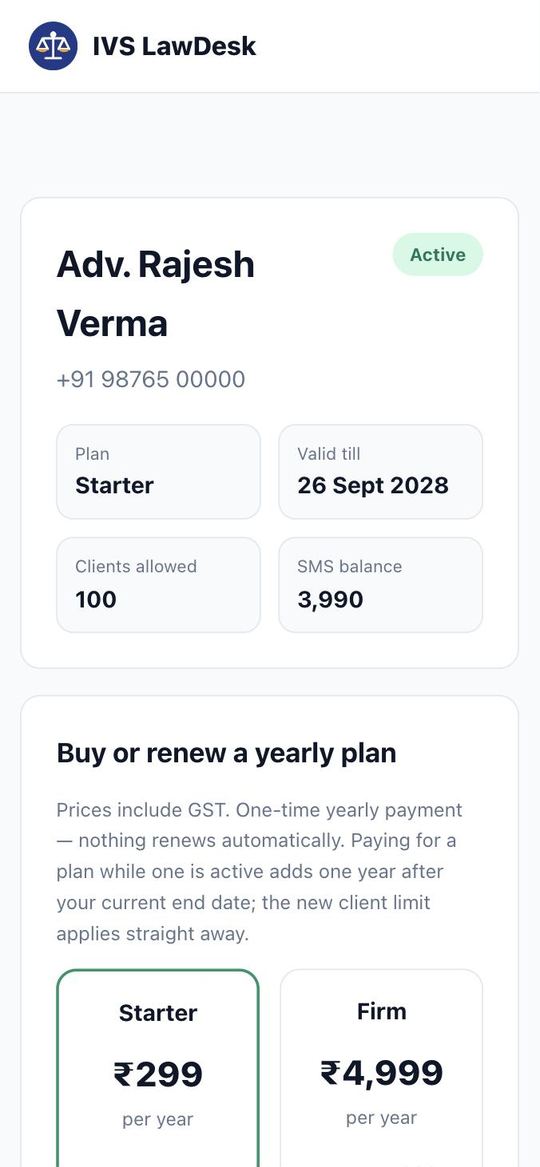
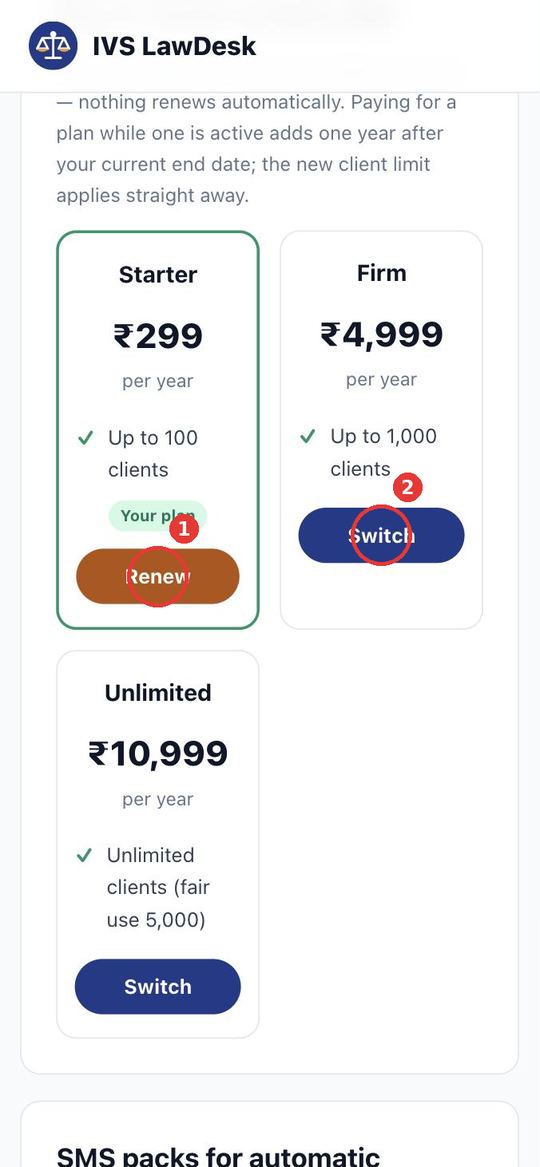
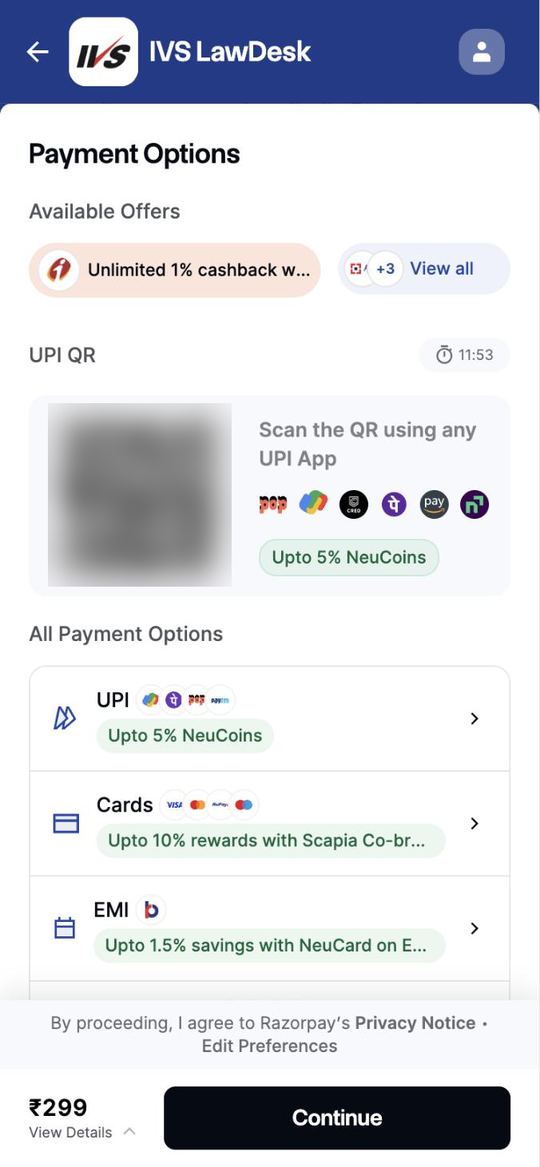
8Plan kharidiye — website par Buy a plan on the website
Plan sirf website par kharidein: ivslawdesk.com/account (app mein payment nahi hota).
9SMS pack kharidiye Buy an SMS pack
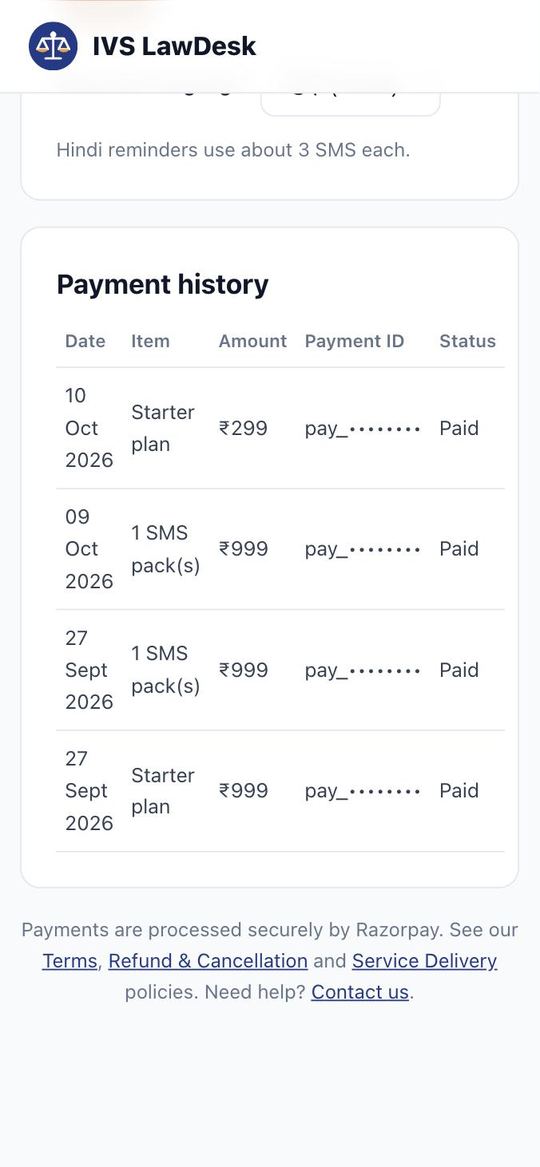
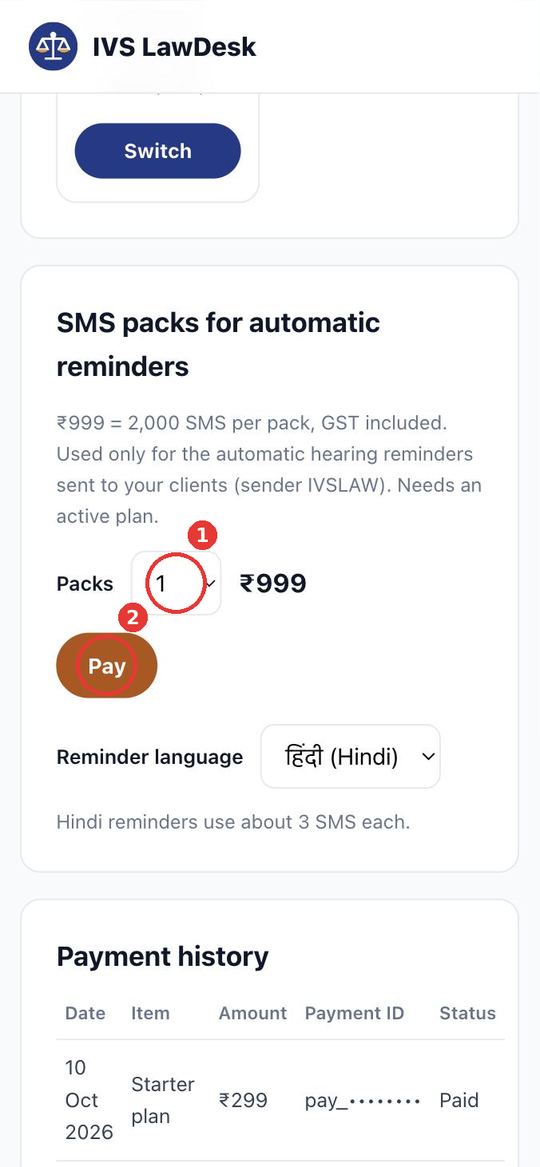
SMS pack bhi website par: ₹999 = 2,000 credits.
10Backup aur Refer & earn Backup & refer
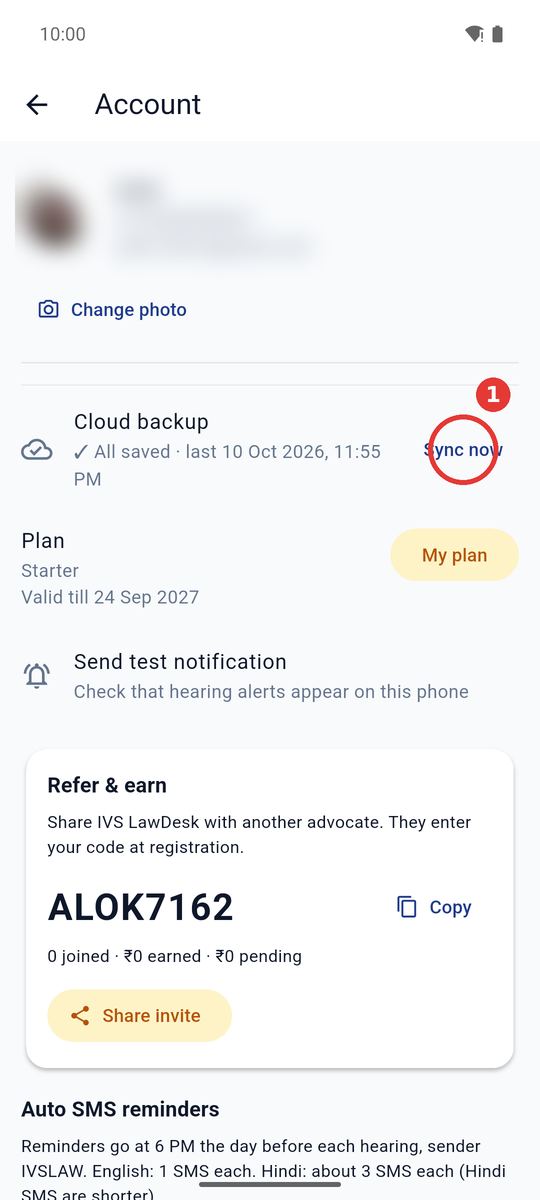
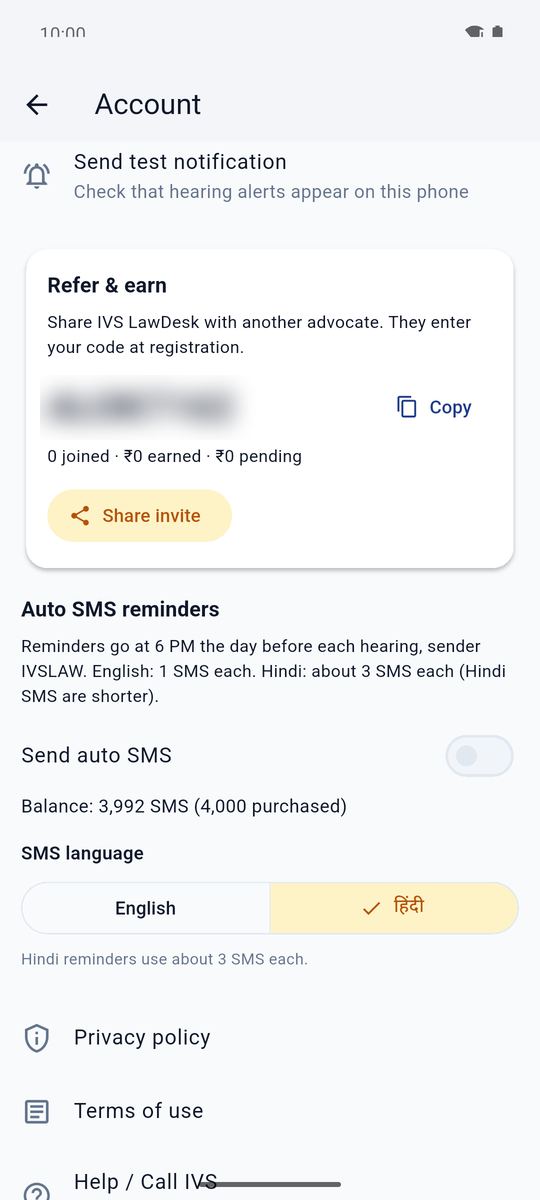
Data cloud mein surakshit. Refer karke kamaiye.
Screenshots use demo data — names and numbers are not real. Need help? Call or WhatsApp +91 94507 46793.